
Apple has made many changes to the iPad’s software this year, and if you plan on using them to their potential, the new iPad Pro is the best way to do it. It’s thin, light, powerful, and has one of the best screens I’ve ever seen.
Maybe my only annoyance after using the M4 iPad Pro for a year was that it charged pretty slowly, but Apple’s fixed it this year, and the new model tops up much faster.
The real kicker is the new chip and RAM configurations. Previously, the M4 iPad Pro models were split into two camps: the lower storage tiers (256GB/512GB), which came with 8GB of RAM, and the larger storage options, which included 12GB of RAM. This year, the lower storage options come with 12GB, and the bigger ones include 16GB. Overall, this should help all the newer tablets chew through large AI tasks.
First off I will say the Pro feels nicer to use since its super thin. It sounds like a small upgrade, but every time I’ve picked up the M4 Pro over the past year I’ve loved it. I expect people will feel the same about the new M5 model. Sure the iPad Air is thin enough, but it feels like a book compared to the Pro, which feels like a pane of glass.
When it comes to performance one of the first thing I tested was making Genmoji on the iPad Air vs the new Pro. I also threw in the iPhone 17 Pro and A17 iPad mini to compare. Since this is a fairly repeatable AI tasks that runs on-device it’s a good marker to see how much more AI power the new M5-powered tablet (and MacBook Pro) have.
Running GeekBench’s AI test, the tablet scores much higher than the older chips, so it seems like Apple really has worked some magic on the M5 to make it more focused on AI. I haven’t had the device very long, but the AI tools in Photoshop and Lightroom were much faster. They’re still not instant, but even compared to the M4 iPad Pr,o I was seeing improvements of around six seconds with object removal. And we’re at a point where every second off an AI tool makes it feel more seamless, so I’ll chalk this up as a win.
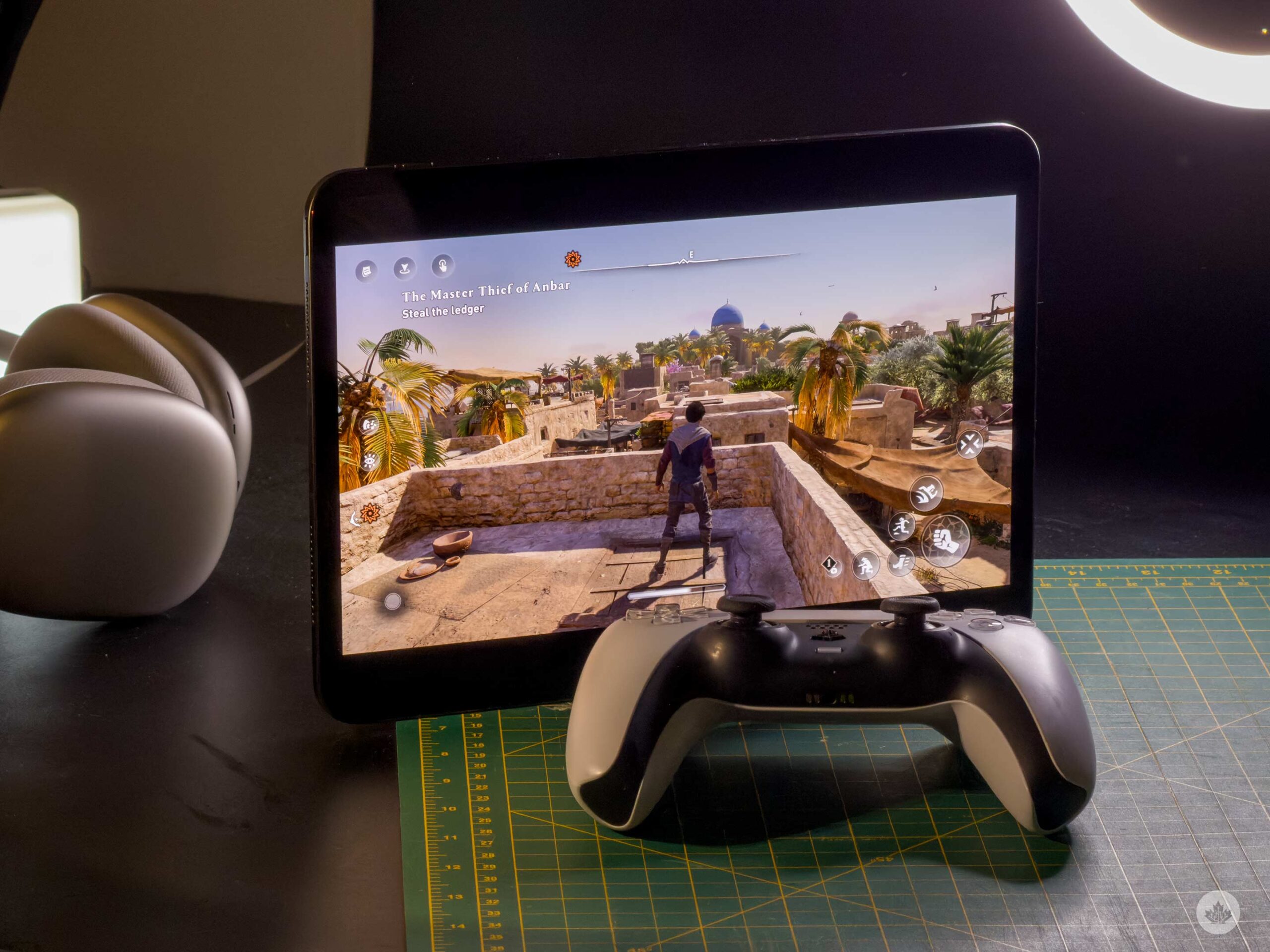
The new chip is also a mobile gaming powerhouse. Running it through my usual gamut of Assassin’s Creed Mirage and Hitman: World of Assassinations, it was great. I was able to play on the highest settings with good frame rates. I could even turn off resolution scaling in AC, but I think if I were playing it for prolonged periods of time, I’d drop it down to 85 percent to give the tablet a little more headroom for large crowds and battles. It’s still not what I’d call a high-end gaming setup, but it’s getting close, and is miles better than any other tablet.
The final upgrade was the switch to the new Apple N1 radio array. This is slated to improve wireless performance, while also making wireless hotspot and AirDrop more reliable. In a brief test, trying to transfer 50 RAW photos, it was quick, but didn’t feel faster than usual. Perhaps with more time with the devices, I’ll start to notice fewer dropped files. That said, I still think for most of my bulk AirDrops I’ll still be using a wire.
Overall, if you’re looking for the best Apple has to offer, it’s all on display here. The screen is amazing, the thin profile is astounding every time you pick it up, and the M5 chip will give you enough headroom to use this for years.
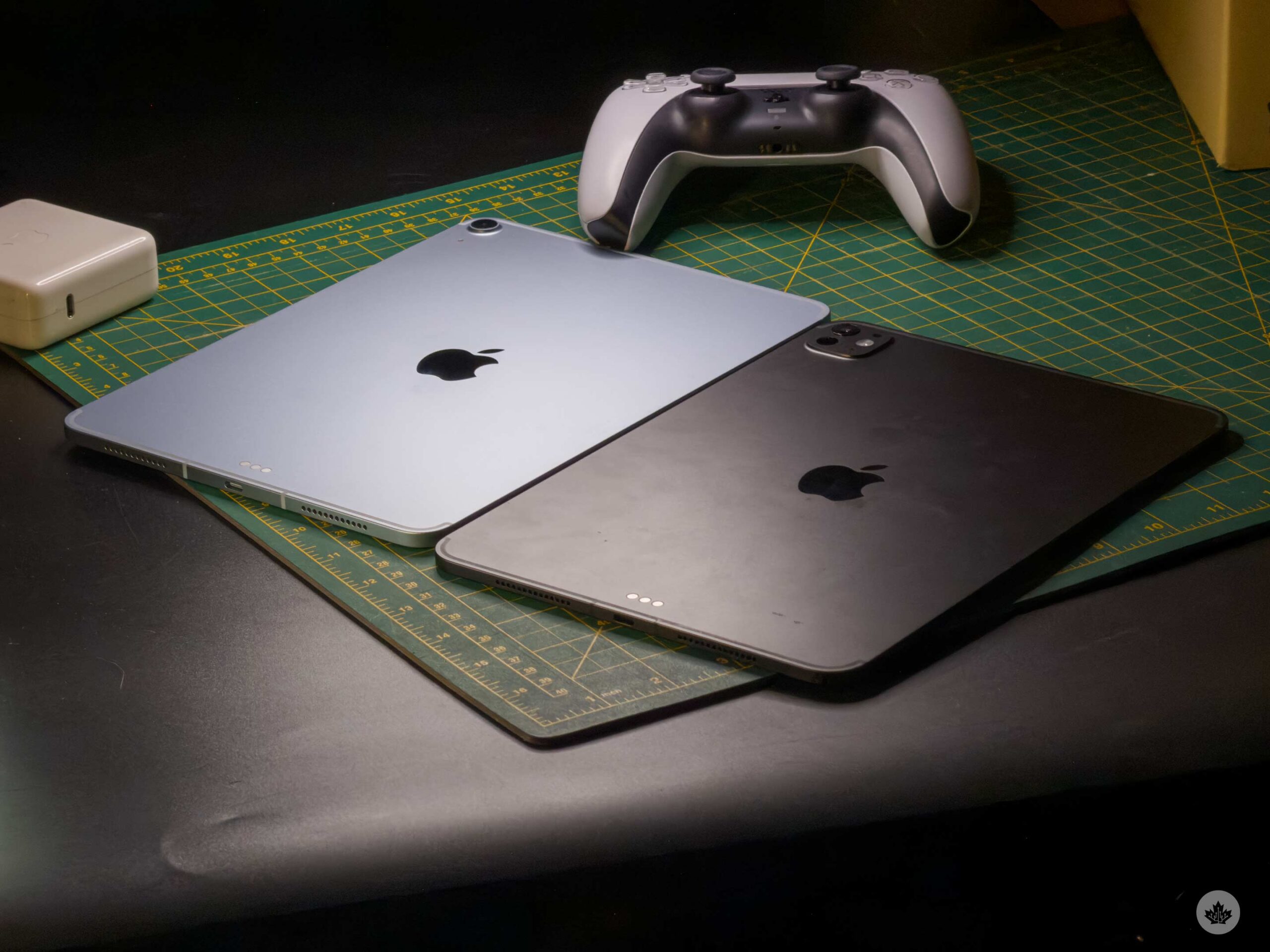
If you’ve got an older M1 iPad Pro, this could be the year to upgrade. I don’t think Apple is going to drastically change the iPad Pro’s design any time soon, since the thinness is show-stopping enough, so this form factor should be the flagship style for a few years to come.
Most students or first time iPad buyers should probably stick with the iPad or iPad Air for now, but if you’ve got the cash to burn, and have already been using iPads for years and are looking for an upgrade, the M5 iPad Pro lives up to the hype.
MobileSyrup may earn a commission from purchases made via our links, which helps fund the journalism we provide free on our website. These links do not influence our editorial content. Support us here.