
I liked Motorola’s newest mid-range handset, the Moto Edge 2025 is now available in Canada. Of course, like everything in life, there are pros and cons, but I think the pros outweigh the cons of this mid-range smartphone. I like a variety of aspects of this; however, for one particular reason, I could never have this as my daily driver, but let’s get into that later.
In Canada, the Moto Edge costs $849.99, and you can grab it from the company’s website.
6.7-inch, 1220 x 2712-pixel resolution, + P-OLED 120Hz HDR10+ display
50-megapilxel (f/1.8) + 50-megapixel (f/2.0) 122-degree FOV + 10-megapixel (f/2.0) 3x optical zoom
Fingerprint (in-display), accelerometor, gyro, proximity, compass
6.7-inch, 1220 x 2712-pixel resolution, + P-OLED 120Hz HDR10+ display
50-megapilxel (f/1.8) + 50-megapixel (f/2.0) 122-degree FOV + 10-megapixel (f/2.0) 3x optical zoom
Fingerprint (in-display), accelerometor, gyro, proximity, compass
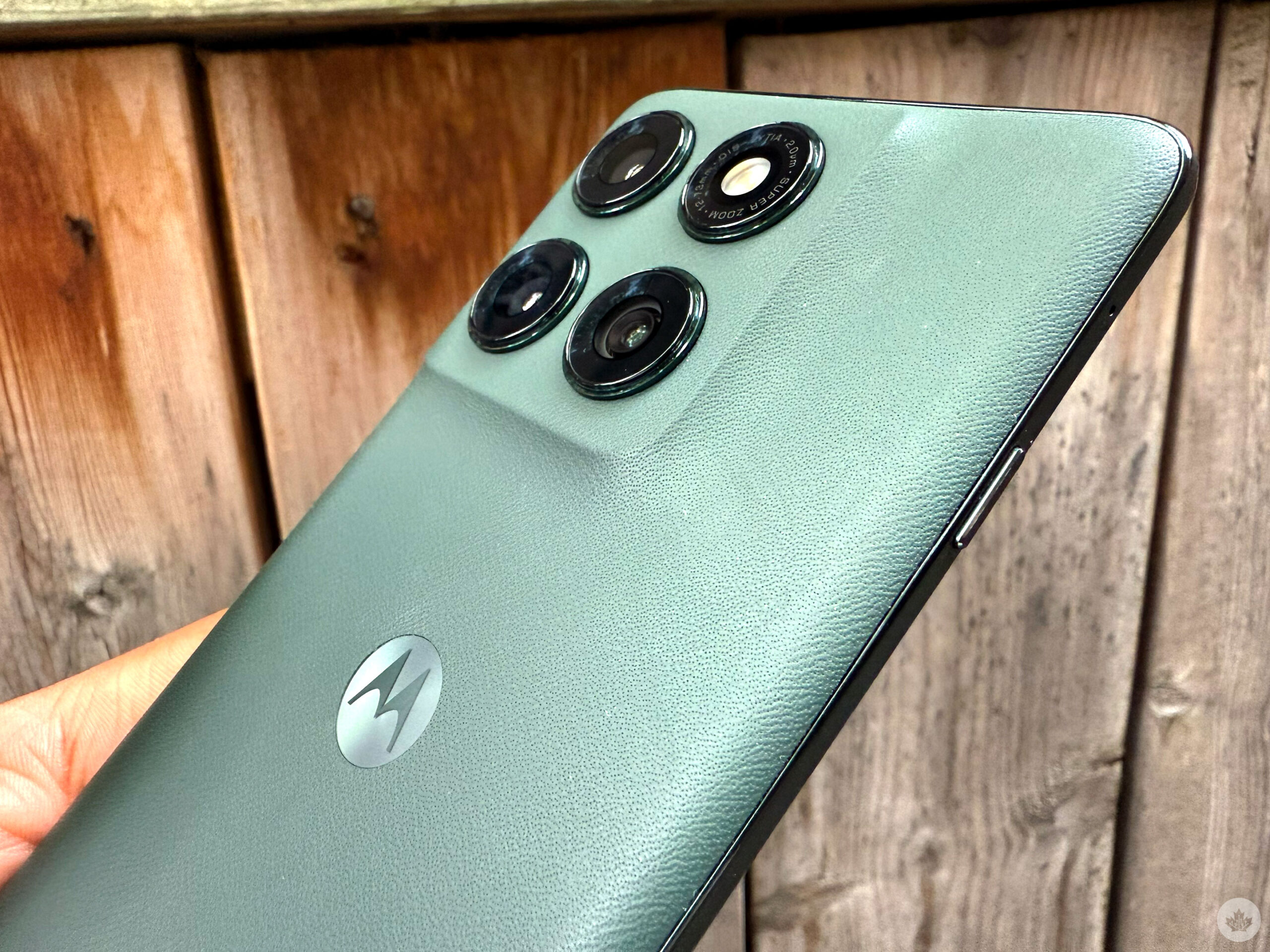
The Motorola Edge is beautiful on the outside. It has what Motorola calls a quad-curved design with rounded corners that match the contours of your hand. It felt great to hold, especially after holding the A36, the last device I reviewed, for so long. I also loved the ‘pleather’ back panel, which is rare for phones and felt great against my hand—no smudges or fingerprints. The combination of these two elements makes a truly nice-looking handset. I love how the pleather subtly curves upwards to meet the camera bump. While it doesn’t hide the trio of cameras, it’s blended into the handset so it’s not distracting and looks like one uniform design. Other phone makers need to take notes on what Motorola is doing with phone design.
The pleather rear, and how it blends in with the cameras, chef’s kiss. Motorola hasn’t only done this with the Edge 2025 and has been pushing these design elements on some of its other handsets, but this is my first time getting my hands on one of these smartphones, and I love it.
On one side, there’s a power button and volume rocker (in two separate buttons, my favourite), and on the other, there’s the new Moto AI Key, spotted on the Razr Ultra. The Moto AI Key can power some of the handset’s AI features, but more on this later. I was surprised not to see a 3.5mm port for wired headphones, but they’re becoming less and less popular even among budget phones.
The 6.7-inch pOLED panel offers sharp detail, great colours, and a 2712 x 1220-pixel resolution. It also has a 120Hz refresh rate and 4500 nits of peak brightness. It’s not the best resolution display on the market, but I’ve never had issues with the phone’s display in direct sunlight. Playing Marvel Snap and scrolling was fluid with the 120Hz refresh rate screen. The curved screen is nice for a more immersive experience, but looking at the phone directly with a white display, the curve is too noticeable and looks pretty dark. As someone who used to love curved displays, it’s time to retire this trend.
The Edge sports a MediaTek Dimensity 7400 chipset with 8GB of RAM and 256GB of internal storage. For the most part, the handset runs smoothly when I’m playing Marvel Snap and Pokémon TCG Pocket, scrolling through social media, taking pictures, listening to music, and more. The handset has a single-core score of 1081 and a multi-core score of 3036. While benchmarks don’t equate to real-life experience, this score isn’t too bad and isn’t too far off from the Pixel 9’s Tensor G4’s results (single-core score 1674 / multi-core score 3865). It might not be a gaming monster or a multitasking champion, but you shouldn’t have any issues if you use the handset like most people.
The Motorola Edge takes solid pictures with its triple camera setup, sporting two 50-megapixel cameras and a 10-megapixel shooter, with a 50-megapixel selfie camera. The colours look good and have a good sense of detail and depth. However, there’s a bit of exposure, which you can notice when you glance at my skin in both the rear-facing and selfie.
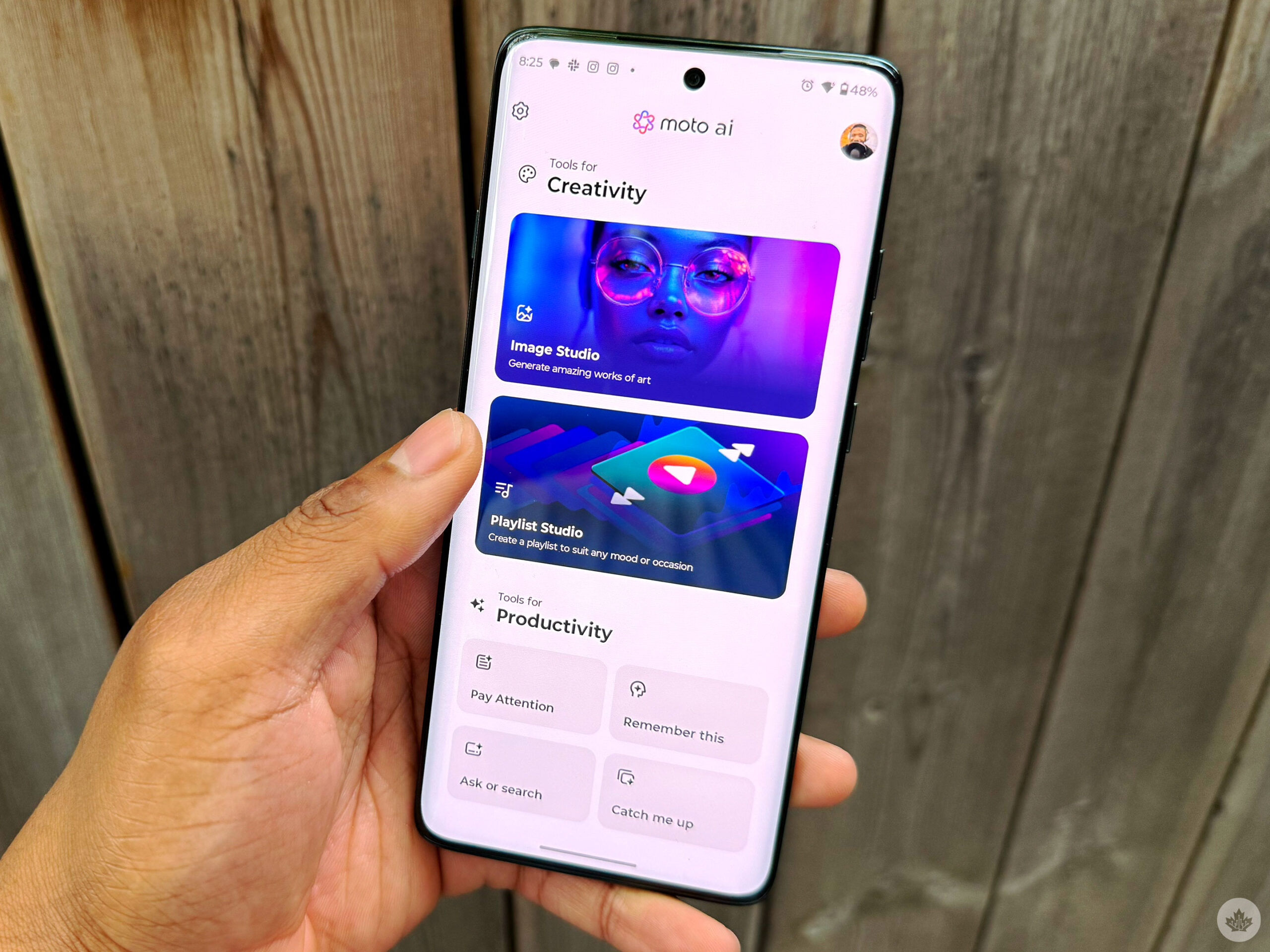
The Edge also has many AI features activated by the AI Key, like the Razr Ultra. Because these features function the same way as they do in the Razr Ultra, I didn’t go too deep into exploring them. Here’s what I wrote in my Razr Ultra review:
‘Catch me up’ keeps users updated by summarizing their most essential messages. Seeing all my notifications listed out has been fine, but I don’t think it’s necessary. I haven’t found that it has dramatically improved my experience. The Remember This feature works fine; it’s a feature that can remember things based on pictures you take, what’s on your screen, or you can write down something for it to remember. There’s also Pay Attention, which will help users stay present and focused in meetings or conversations. Users need to press record, and Moto AI will do the rest. It transcribes and summarizes quick reviews
 .
.
What I was missing most from the Razr Ultra on the Moto Edge was Look and Talk. On the Razr Ultra, “Look and Talk” happens when your handset is in tent or stand modes. Moto AI will activate when you look at the external display, letting you perform actions or ask questions without using a command phrase. I was hoping Motorola would bring this feature to the Edge, and I know the Razr used its cover display for the feature. However, I was hoping this would still be implemented when the phone is locked, and I would find it especially useful when it’s on my wireless charger. But this isn’t why I wouldn’t use the Moto Edge as my daily driver.
The Moto Edge has a 5,200mAh battery, and it’s fantastic. With average usage, such as scrolling through social media, playing with the AI features, taking pictures, listening to music on Spotify, and more, the handset easily lasts a whole day and halfway through the second day. It also has a 68W wired charging, meaning you can power up the device swiftly.
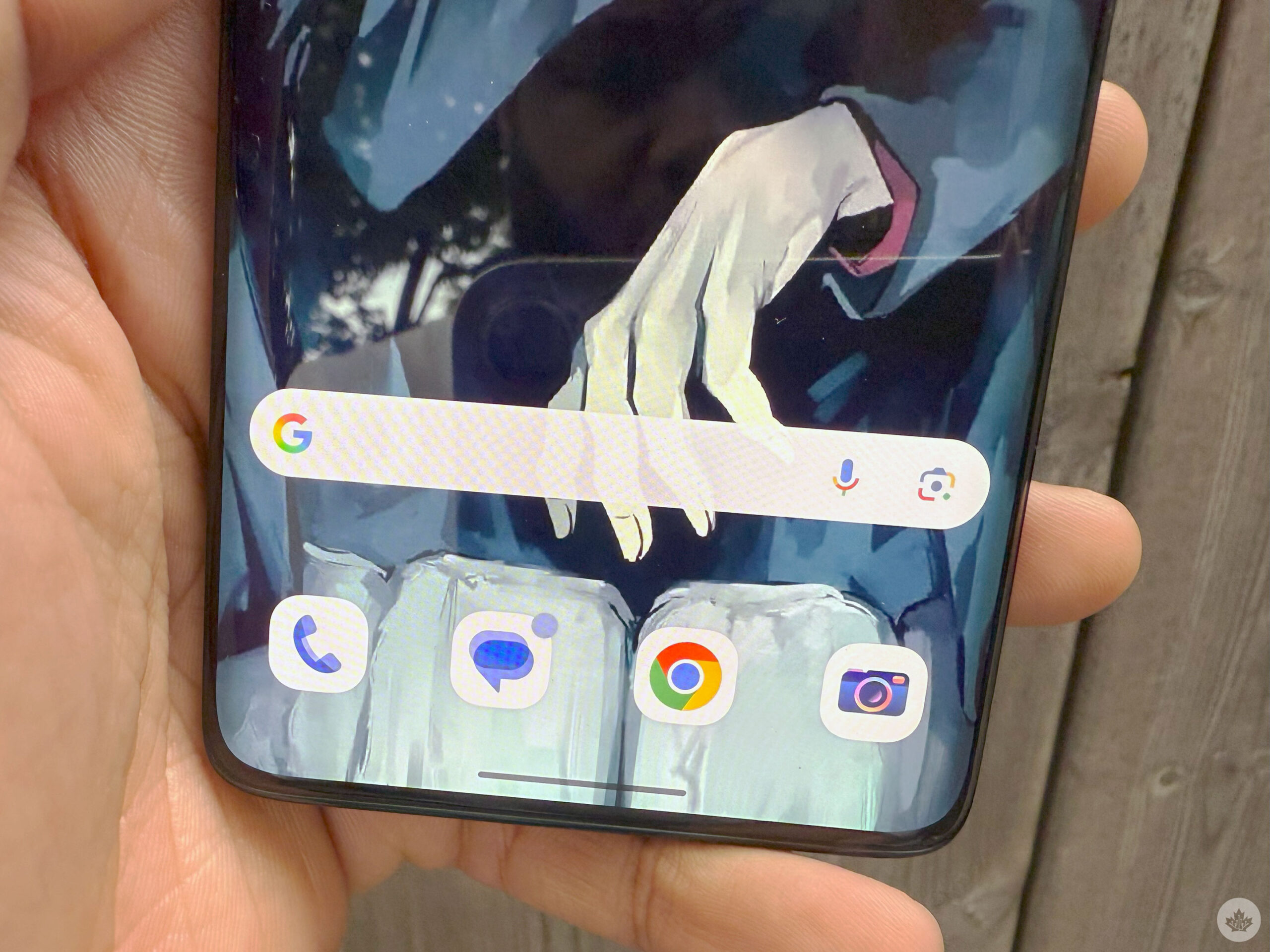
For some reason, the Moto Edge can only have four columns of apps. I prefer five or six regularly, and while six isn’t available on most phones, in the last few years, there hasn’t been a phone that I couldn’t have five columns. This is so dumb and minute, but I like what I like, and you can’t teach an old dog new tricks, and I don’t want to use a device that can’t have five columns.
I also noticed a bit of a Bluetooth issue with the Moto Edge. It connects with my Bluetooth headphones, but it’ll lose connection sporadically when they get too far (like if the Edge is in my pocket and my headset is in my ears). When walking with the Moto Edge, I have to hold the phone in my hand instead of using it in my pocket, or I’ll keep having issues. This could be an issue with my specific handset, but it’s worth keeping an eye out.
The Moto Edge is now available in Canada for $849.99 outright at Motorola Canada’s website. If you’re looking for an affordable phone for your teenager, I might consider the Moto Edge. The handset won’t die on them throughout the day; it takes decent pictures and looks lovely. That is, if your teenager is fine using an Android.
MobileSyrup may earn a commission from purchases made via our links, which helps fund the journalism we provide free on our website. These links do not influence our editorial content. Support us here.