
At CES 2026, Razer gave me a booth tour and the opportunity to demo its new Project Madison gaming chair and Project Ava hologram AI device. Both were super cool in their own ways, and I would love to add either or both to my setup.
Project Madison
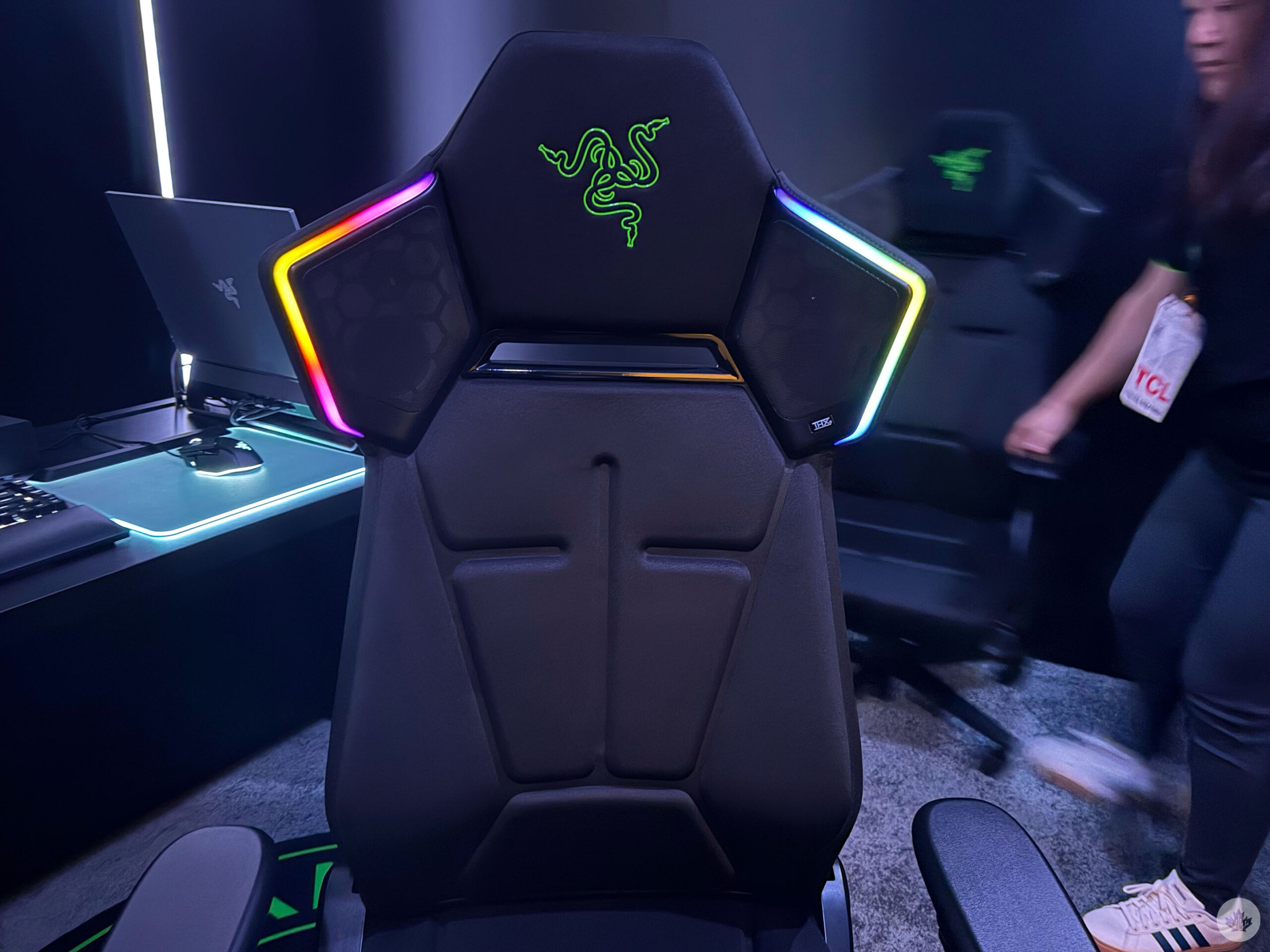
Starting with Project Madison, this gaming chair creates the ultimate immersive experience, especially for people without capable headsets, or who don’t like wearing their gaming headset if they’re not chatting with people on-mic. The gaming chair has powerful speakers on both sides of the headrest. They provide pretty loud sounds; my 3D Pulse headset is louder, though, but if I didn’t want to have them on, the chair’s speakers can also pair with front speakers to achieve 5.1 or 7.1 surround sound without the need for the headset. We demoed the chair playing Marvel Rivals, and after definitely 100 hours of playing the title, I know some key sounds to listen out for, such as Spidey’s quips, which I was able to clearly hear and identify that there was a Spider-Man coming up behind my team.
And the headrest is powered by Razer Chroma RGB, which offers 16.8 million colours and dynamic effects, and there are some custom-made for hundreds of supported games. However, even without game support, it’s pretty.
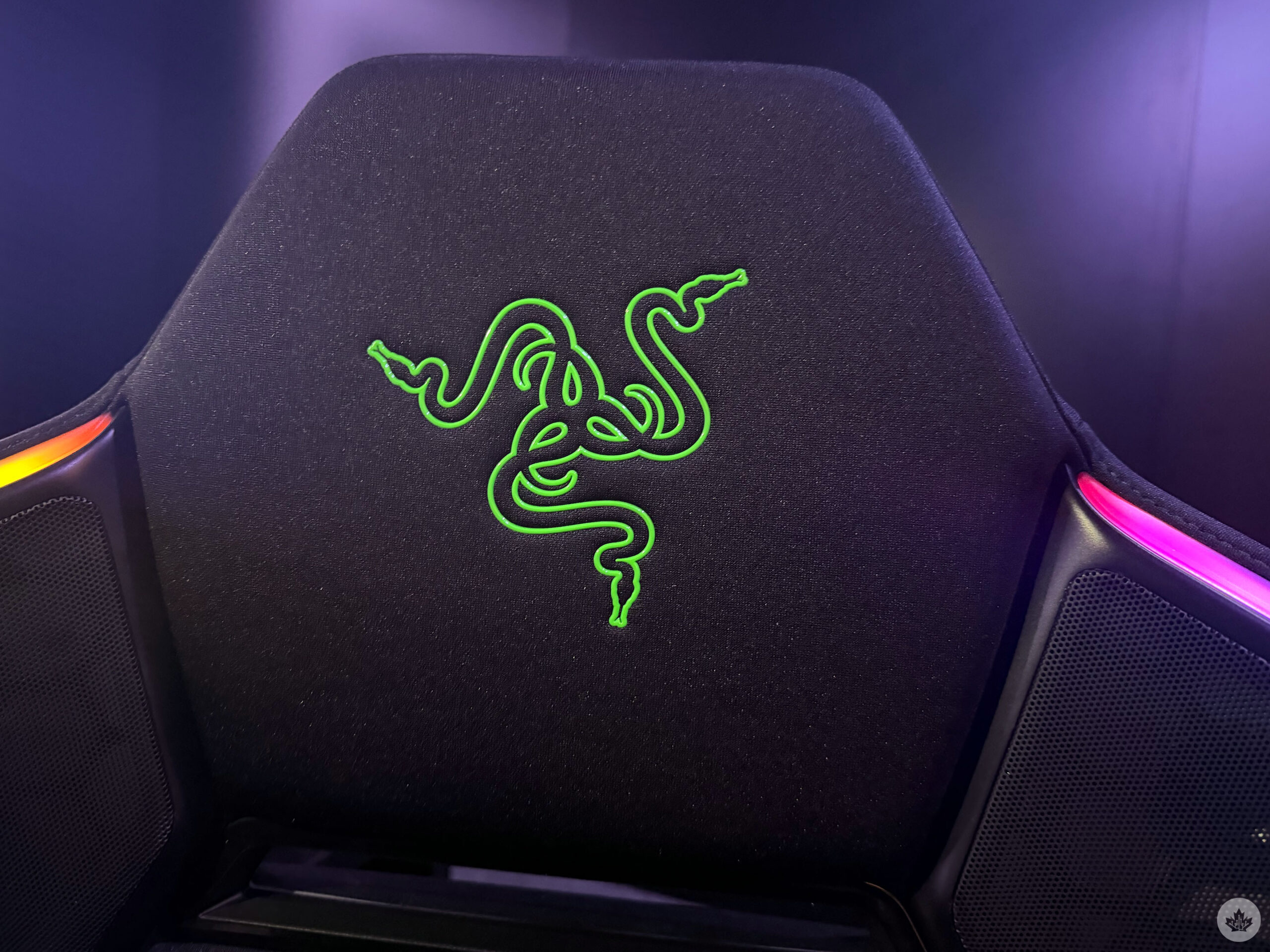
However, this is far from the best aspect of Project Madison. The gaming chair has ‘Multi-Zone Haptic Feedback’ powered by Razer Sensa HD Haptics. This haptic experience is powered by six integrated motor actuators that respond in real-time in both video games and movies. It’s so cool and feels absolutely great and immersive. With movies and some video games, the haptics are matched by the audio, so if something loud is happening in your movie, the chair will vibrate to match the experience. On the other hand, Razer has worked with a number of developers over the past year, when it first launched Razer Sensa HD Haptics, to offer directional in-game haptics that feel precise. When The Punisher shoots his shotgun in Rivals, the haptics are slower and more spread out compared to the rapid-fire haptics of when he uses his turret. It helps the immersion of shooters so much, and I would like to try the experience with other titles like Overwatch or Elden Ring.
My biggest concern is that Project Madison only works with Windows PCs — it makes sense, it’s Razer, I know — and I’m a console player. Razer said it could possibly work with console-makers in the future; but for now, you’ll need a PC — however, a device like an Xbox ROG Ally X should also work.
Project Ava
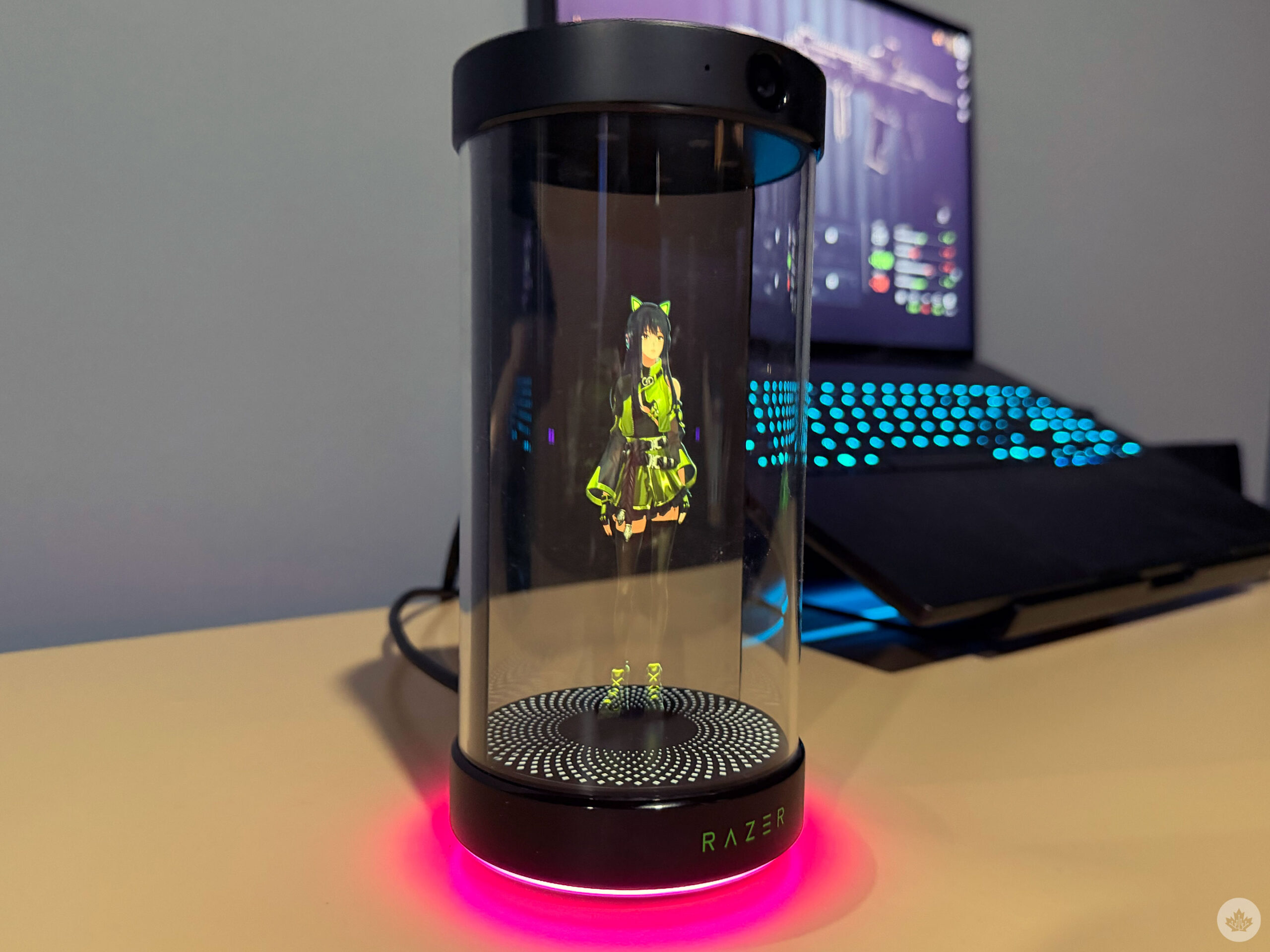
Razer calls Project Ava a 24/7 AI companion designed to live alongside you.
Project Ava is an AI brought to life as a 5.5-inch 3D hologram in a cylindrical device with a clear outer shell that uses AI, cameras, microphones, and speakers for communication. For now, Project Ava is powered by Grok AI, but Razer said it might expand to other LLMs.
The model I demoed didn’t have a camera shade, but Razer said it could be implemented in the future for users’ privacy.
The AI companion has to connect directly to a Windows laptop, and the avatar is able to wake you in the morning, tell you what’s on your schedule and more. I asked the AI companion what my schedule was, what the weather was in Vegas, and followed with “do you like my outfit?” Ava told me that it liked what I was wearing and it was suitable to wear for Vegas’ weather, and even said that it was suitable for my empty schedule, seemingly keeping in mind all three of my questions. I also asked Project Ava about what game I should play, and, funny enough, it suggested playing some Tears of the Kingdom, a Nintendo Switch title, and that it would assist me while playing. Project Ava is designed to help users play games, allowing the player to get assistance on loadouts in FPS games, for instance; however, it does this by connecting straight into the PC, and it’s able to watch the screen via the connection. How would Project Ava comment on my Tears of the Kingdom gameplay? I’m not sure, and neither was the Razer rep. I was curious if the device could use its camera to view my screen and comment on gameplay. The Razer rep at the booth said it might be possible, but that there could be a delay compared to using the USB link.
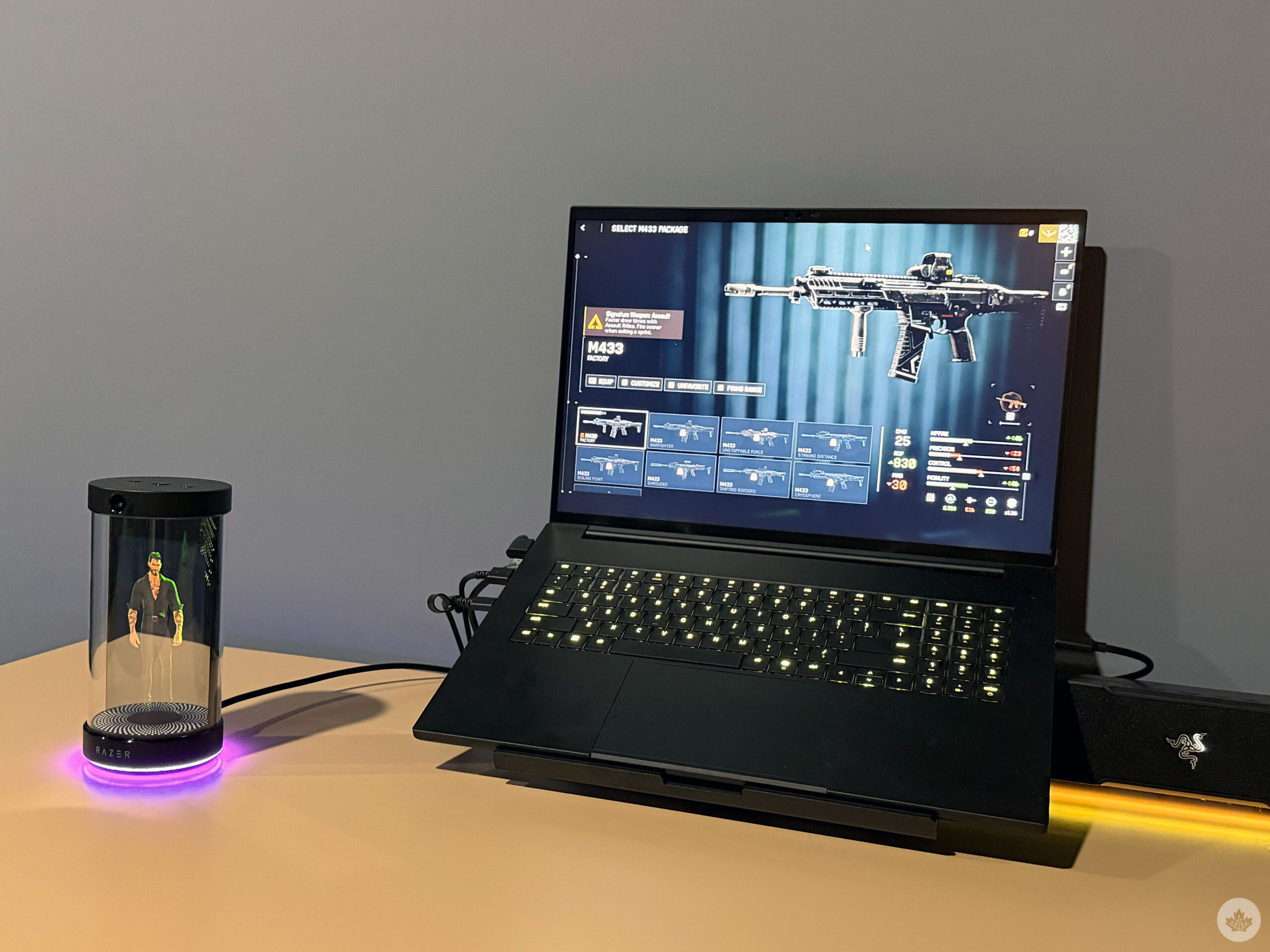
Project Ava was very cutesy and conversational; the AI seemed to have personality as well. Additionally, you can choose different avatars. I used cutesy anime girl Kira and the ‘hot’ guy with the button-down shirt, Zane.
I’m not really into using AI to replace art or writing. I think that sort of AI is dangerous and can take jobs away from people — like myself. However, I like the idea of a companion that can help me organize my day, help me get dressed in the morning, and if it has a little sass or p’zazz, it’s even better. AI or not, having a Hologram in your room is sick as hell, and Razer told me they’re working on the ability to have users upload their own avatars. I’d totally go to have my own Cortana.
MobileSyrup may earn a commission from purchases made via our links, which helps fund the journalism we provide free on our website. These links do not influence our editorial content. Support us here.